Business software for Philippine companies

One system to run your business, from the counter to the books.

RONTECH builds business portals for food distributors, restaurants, trucking, customs brokerage, salons, construction, rentals and resorts. Operations, billing, payroll and books in one place, with VAT, 2307 withholding and senior/PWD discounts handled the Philippine way.

A business owner and a consultant reviewing figures on a laptop
8 industries8 live demos
1 loginGoogle or a mobile code
PH-readyVAT, 2307, SSS, PhilHealth, Pag-IBIG
SEC-registeredRON Technologies Inc.
Industries

Built for the way your industry works

Every demo runs on realistic sample data. Open one and switch between the owner, staff and field views. Nothing you do there is saved anywhere but your own browser.

Food distribution

Food distribution

Orders from staff, agents and customers, picking by actual weight, first-expiry-first-out lots across warehouses, credit terms and collections.

  • Delivery receipts
  • Agent commission
  • Per-customer prices
Try the demo →
Restaurant

Restaurant

Tables and orders, kitchen screen, catering with deposits, recipes and food cost, ingredient stock per branch, and daily cash closing. Connects to your BIR-accredited POS.

  • Dine-in · takeout · delivery
  • Multi-branch
Try the demo →
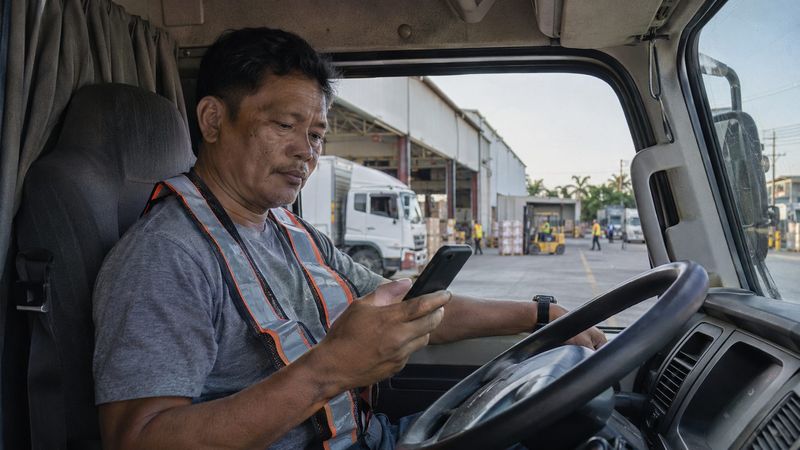
A truck driver checking his phone in the cab of a wing van
Trucking & logistics

Trucking

Dispatch board, rates by route, trip budgets drivers liquidate from their phone, fuel and maintenance, billing and profit per truck.

  • Trip budgets
  • Driver pay
  • LTO and PMS reminders
Try the demo →
A customs broker at a container port with a clipboard and phone
Customs brokerage

Customs brokerage & trucking

One record per shipment from lodgement to release, document checklists, storage and demurrage warnings, trucking, statements of account and collections.

  • Shipment tracking
  • Advances vs fees
Try the demo →
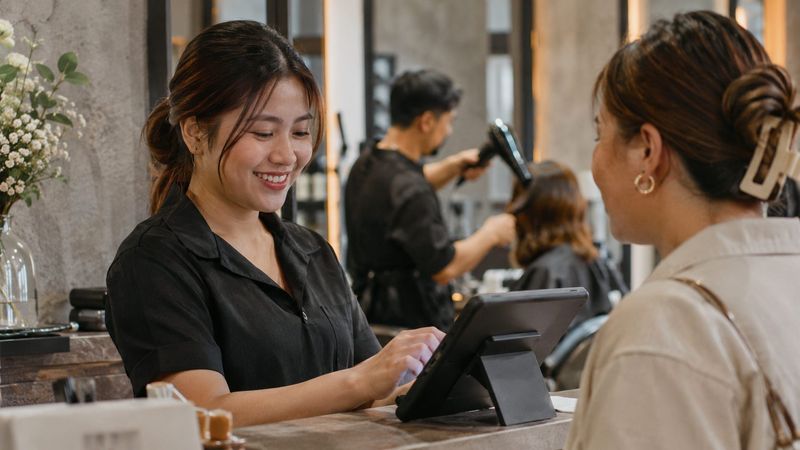
A salon receptionist ringing up a customer on a tablet
Salons & spas

Salon & spa

Front desk and queue, bookings, prices by hair length, packages, senior/PWD discounts, and staff commission across branches.

  • Bookings
  • Commission
  • Retail stock
Try the demo →
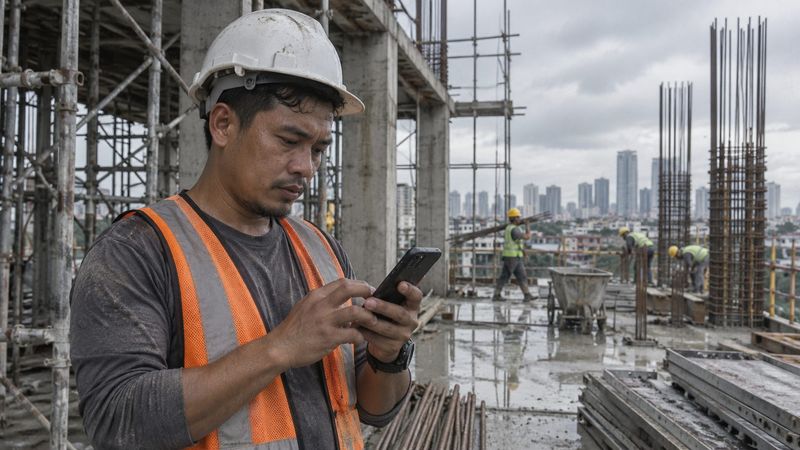
A construction foreman typing a site report on his phone
Construction

Construction

Site reports, crews and materials, change orders, and progress billing with downpayment recoupment and retention.

  • Progress billing
  • Materials per site
Try the demo →
Rentals

Apartment rentals

Buildings and units, leases with deposit and advance, monthly billing with sub-meter readings, collections, move-outs and short stays.

  • Several buildings
  • Sub-meters
Try the demo →
Resorts

Villa resort

Overnight bookings with deposits, check-in and housekeeping, day-tour gate cashier with entrance and cottages, and event bookings.

  • Availability calendar
  • Events
Try the demo →
Group portal

Own several businesses? See all of them in one place.

The group portal sits on top of each company's own portal. Each company keeps its own books and TIN. You get one home for all of them.

  • Combined sales, profit, cash and money to collect, with sales between your own companies taken out
  • One to-do list from every company: overdue collections, bills due, late orders
  • Company-to-company billing: when one of your companies sells to another, both sides match and one tap settles them
  • Shared costs split across companies, and loans between them tracked until paid back
  • A combined report, side by side, for the owner
One login

One login for every portal. Staff see only their part.

Owners and office staff tap "Continue with Google". Drivers, cashiers and crew log in with a code sent to their mobile number. No passwords to forget.

  • The owner adds a person once and picks their company, branch and role
  • A cashier sees the cashier screen of their branch. A driver sees their trips. The owner sees everything.
  • Remove someone once and they're locked out of every portal right away
  • Login history: who logged in, when, and on what device
Your data is protected

The rules live in the database, not only on the screen

Hiding a button is not enough. In our live portals, the database itself checks every save, so a staff member can't change prices, payments or the books by tampering with the browser.

Your own database

Each client has a separate database and login list. Other clients' data never sits in yours.

Roles enforced by the database

A server can't record payments. Kitchen staff only update dishes. Managers stay in their branch. Agents see only their customers.

Money records are locked

Payments, paid bills, cash entries and closings can't be quietly edited. Corrections are voids with a reason, and totals must add up.

Audit log

Who changed what, when, and from what to what, for sales, payments, prices and settings. Nobody can edit or delete it.

Close the books

Lock a finished month. Nothing dated on or before it can change, so your reports and BIR filings stay the same.

Nightly backups

Your records are backed up every night to a separate place, with a tested way to restore them.

Works with what you have

Made for how Philippine businesses already work

Keep your BIR-accredited POS

Restaurants can connect their existing POS. Sales flow in with their invoice numbers and still update stock, food cost, closing and the books.

Start from your Excel files

We load your products, customers, prices and staff from the spreadsheets you already keep, so day one starts with your real data.

Philippine taxes built in

VAT-inclusive pricing, 2% and 1% withholding with 2307 tracking, senior and PWD discounts, SSS, PhilHealth and Pag-IBIG.

Phones first

Drivers, cashiers and crew use their own phones. Owners check everything from anywhere, in Manila time and pesos.

Cash, GCash, Maya and banks

Every wallet has its running balance. Payments, expenses and transfers land in the right one automatically.

Grows with you

Start with one business. Add a branch or another company later, with the same login and no rebuilding.

How it works

From demo to go-live

See it with your own workflow

We walk you through the demo for your industry and note how your business does things: branches, roles, taxes, payment terms.

Setup with your data

We set up your own portal and database, load your products, customers and staff, and switch on the features you need.

Go live

Your team logs in with Google or a mobile code. We run alongside your old way for the first weeks until the numbers match.

Ask for a quote. Every business is set up differently, so we quote after a short demo: number of companies, branches and users, and what you need switched on.

Ask for a quote
FAQ

Questions owners ask us

Who owns the data?

You do. Each client has their own database, and the owner can export their records anytime.

Can we start with one business and add more later?

Yes. Add a company or a branch later and it joins the same login and the same group view. Nothing gets rebuilt.

Does the restaurant portal issue official receipts?

The portal takes orders, runs the kitchen and prints bills marked "not an official invoice". The BIR invoice comes from your accredited POS (which can connect to the portal) or your BIR-registered invoice booklet. Please confirm your setup with your accountant.

Do my staff need laptops?

No. The portals work on the phones they already have. Owners and office staff can use a laptop if they prefer.

What if my business does something a little differently?

Most differences are settings or switches we turn on for you. When something is truly unique to your business, we quote it as an add-on.

Contact

Book a demo

Tell us about your business. We'll set up a short call and show you the portal for your industry.

Your businesses (pick all that apply)

Sending opens your email app with your details filled in. Or message us on Viber or Messenger.